AI 3D studio: models, kits and worlds
FormFromLight
Any picture to a textured 3D model.
In short
- Input
- A photo, render or sketch (JPG, PNG, WebP up to 20 MB), up to 3 views, or a text prompt
- Output
- GLB, OBJ, FBX, STL, USDZ, PBR texture maps, 2D sprites, print files
- Beyond one model
- Asset kits of 6 to 100 models, worlds from a single photo, lithophanes, print-ready figures
- Turnaround
- About 25 seconds on Fast, about 2 minutes on Studio, 15 to 20 minutes for a world
- Pricing
- Free to try, plans from €15 a month, packs from €2, every plan includes the API and MCP
- Hosting
- App and database in the Netherlands, files in Western Europe
What it is
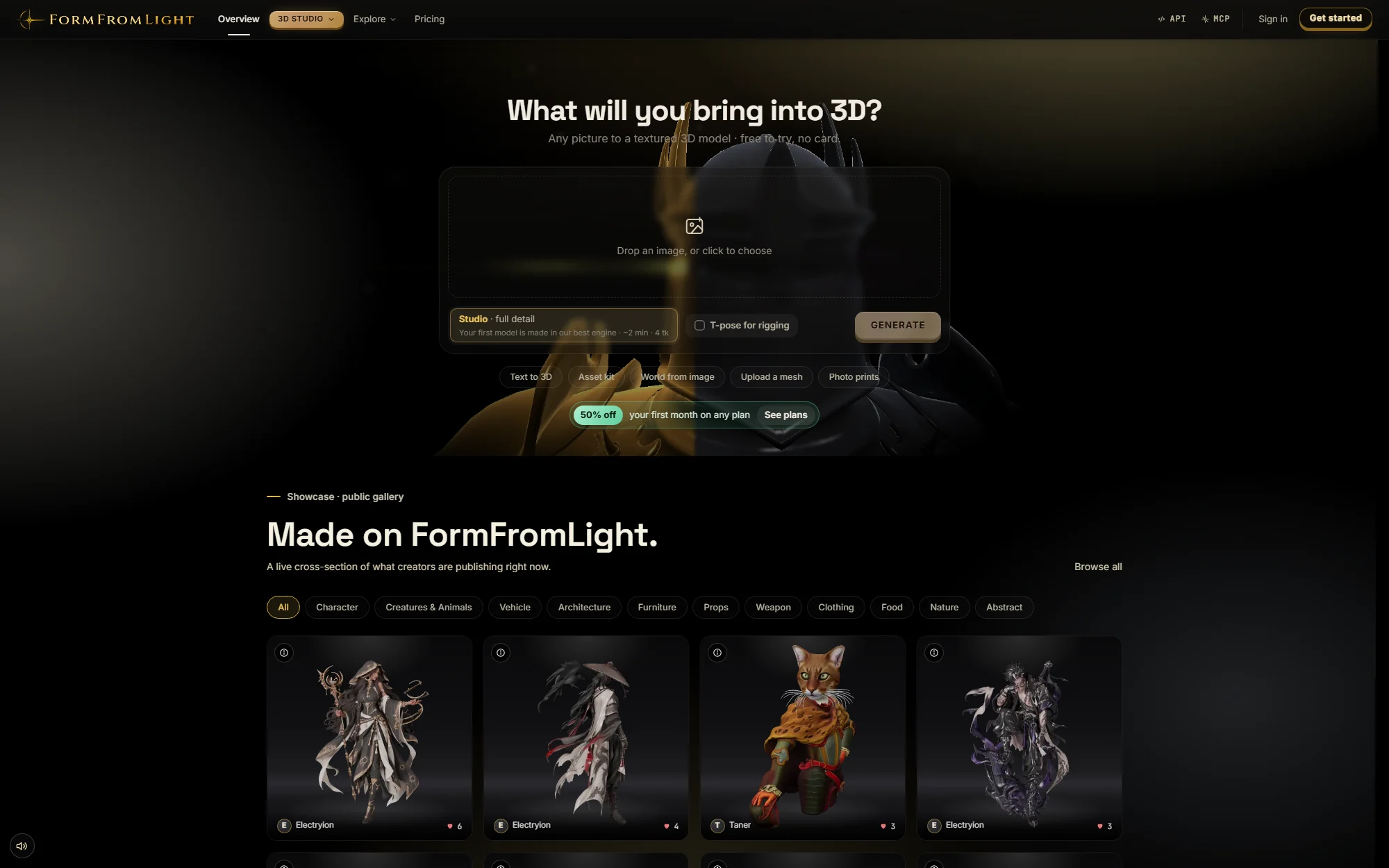
FormFromLight is a 3D studio in the browser. You give it a photograph, a render, a drawing or a sentence and it returns a clean, textured mesh you can open in Blender, Unity, Unreal, Godot or a slicer. Around that core sit the tools a 3D pipeline normally spreads over five applications: rigging, animation, retexturing, quad remeshing, sprite rendering, themed asset kits, walkable worlds and print preparation, all working on the same library.
It is built for game developers, product teams, 3D-print operators and creators who need assets faster than modelling allows. Nothing runs on your machine: generation happens on hosted GPUs, the viewer runs in the browser, and every account, including the free one, gets two-factor authentication, an audit log and a one-click GDPR export.
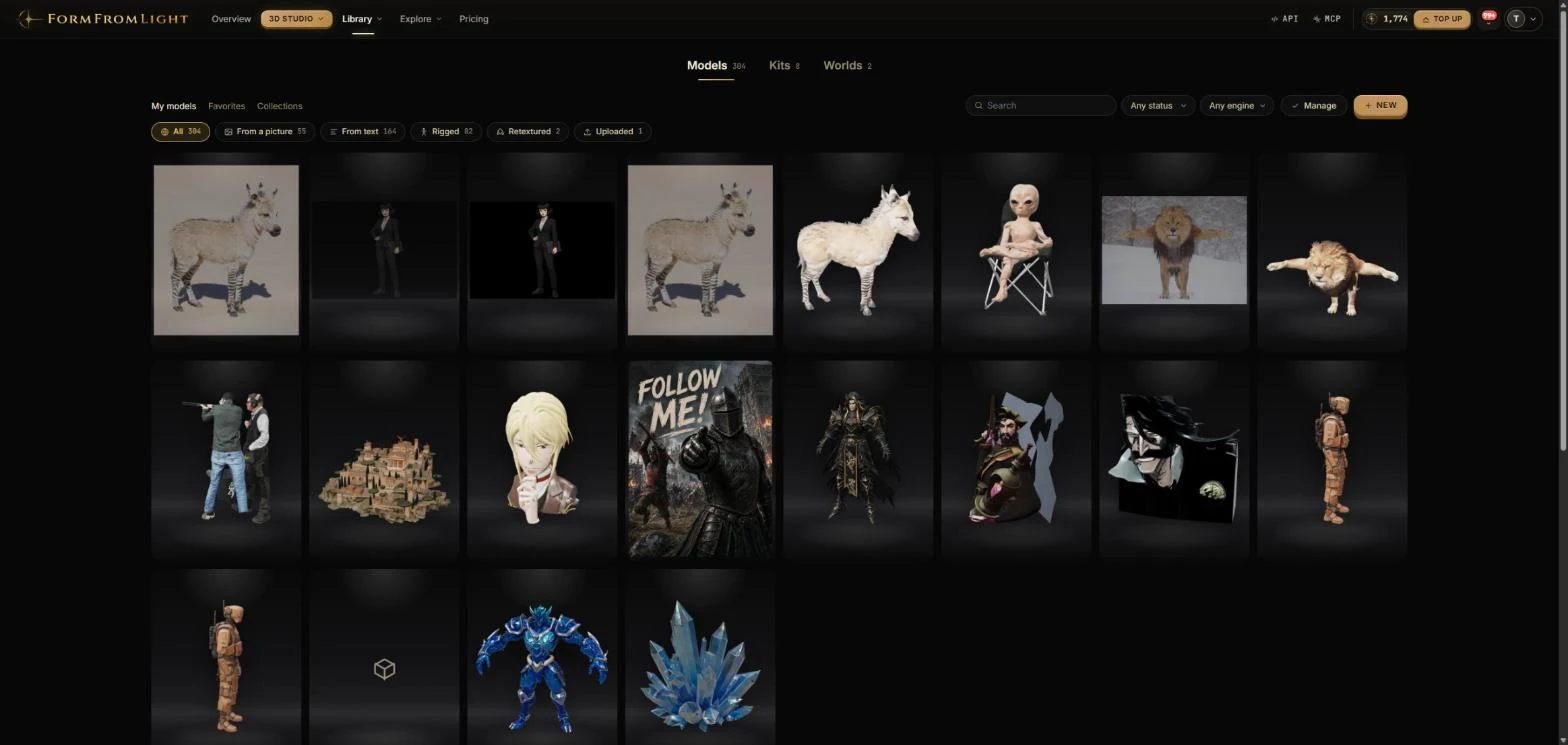
Image to 3D and text to 3D
The core loop is short. Every run shows its token cost before you confirm, and a generation that fails refunds its tokens automatically.
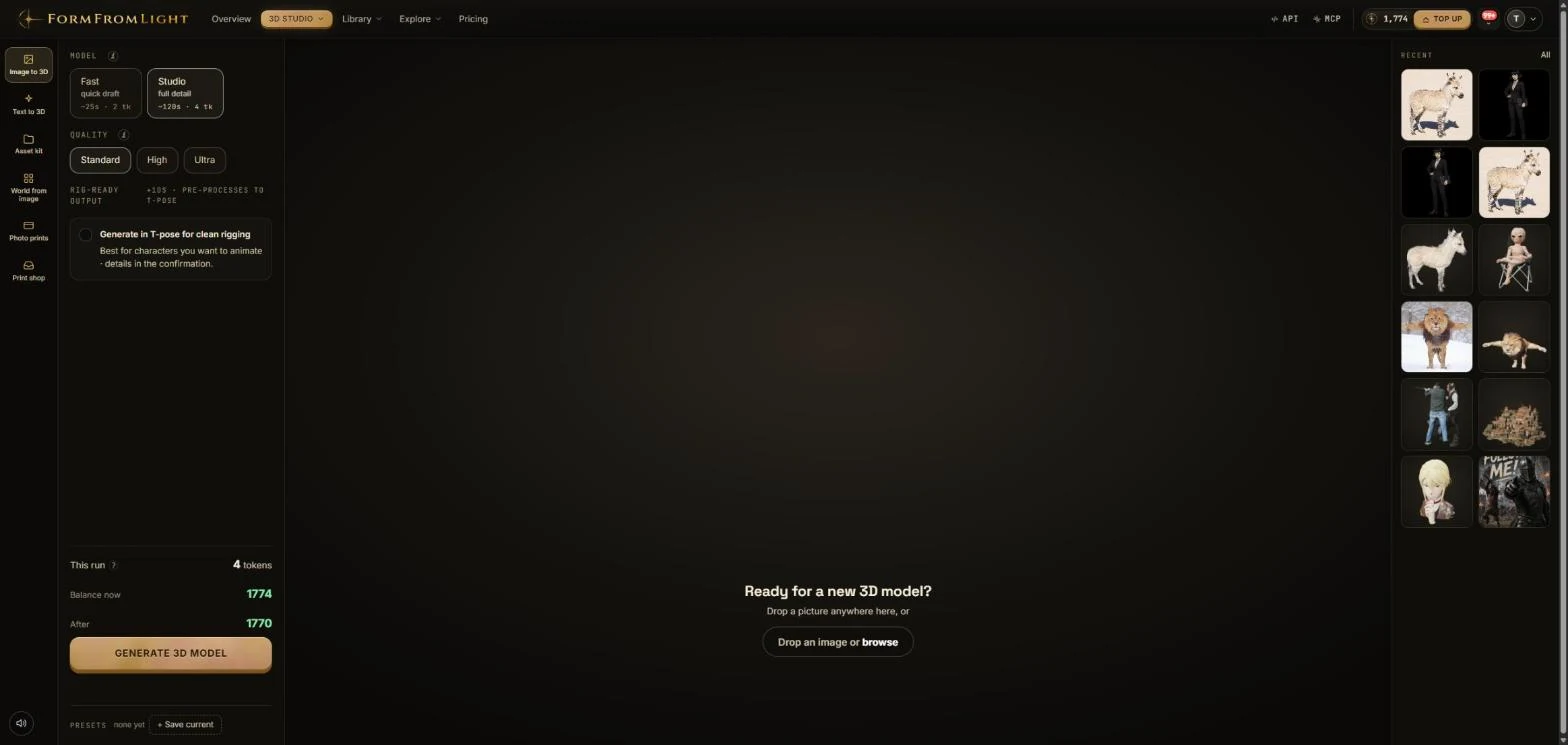
- Drop a picture. A photo, render or sketch, JPG, PNG or WebP up to 20 MB. Add up to three reference views of the same object; a preflight step removes the background for you.
- Pick an engine and a quality. Fast (about 25 seconds, 2 tokens) for drafts and volume; Studio (about 2 minutes, 4 tokens at Standard, 6 at High, 8 at Ultra) for production assets with 2048-pixel textures. A rig-ready toggle pre-processes characters into a T-pose.
- Get a textured model. The GLB lands in your library with PBR maps (base colour, normal, metallic-roughness, ambient occlusion, emissive) as a zip. OBJ, FBX, STL and USDZ follow from the same model.
- Take it further. Rig, animate, retexture, remesh, render to sprites, place it in a world or send it to print, all from the model page.
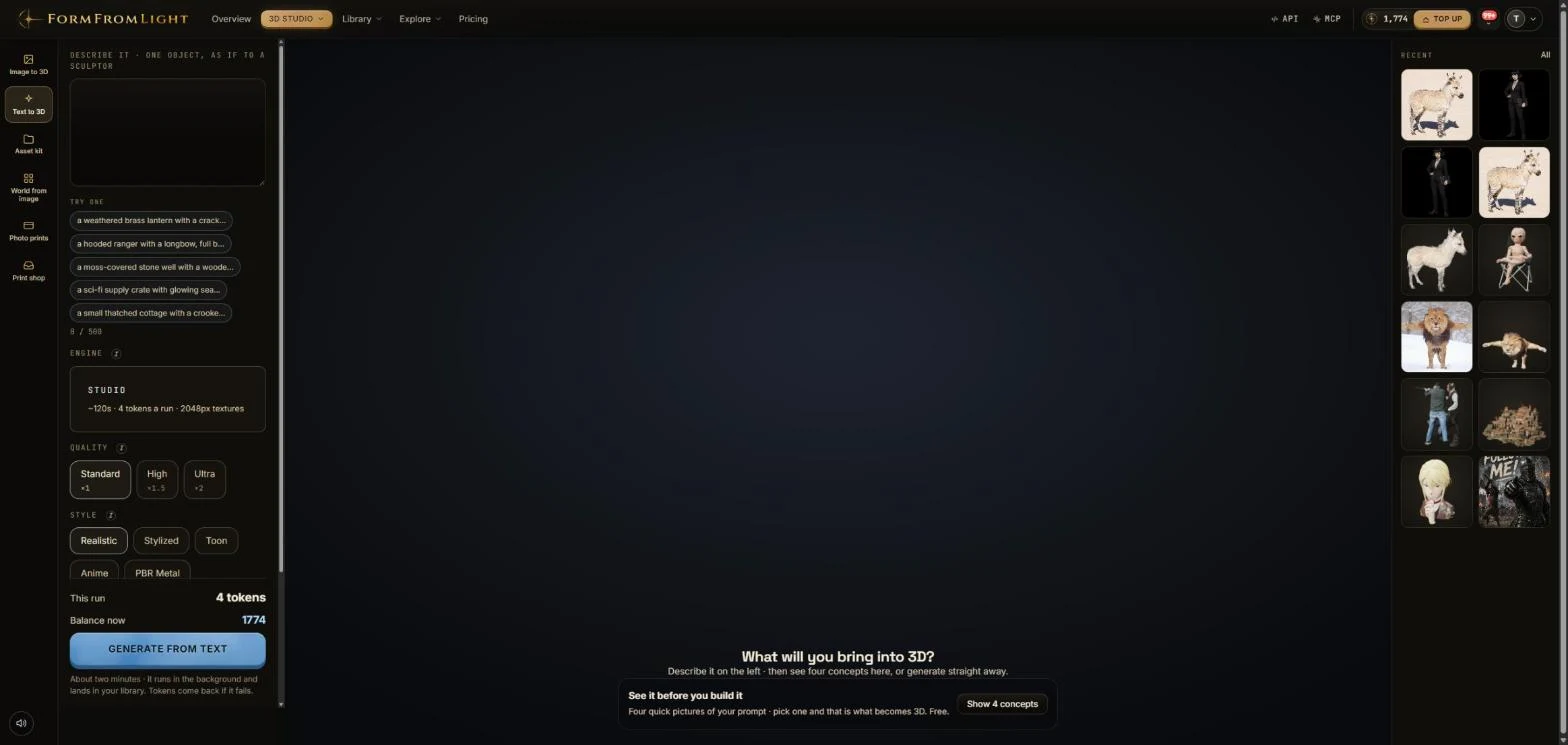
Text to 3D runs the same way without a source image. Describe one object as if to a sculptor, up to 500 characters, choose Realistic, Stylized, Toon, Anime or PBR Metal, and generate one, two or four variants. Before spending tokens on geometry you can ask for four quick concept pictures of the prompt and pick the one that becomes 3D.
Asset kits
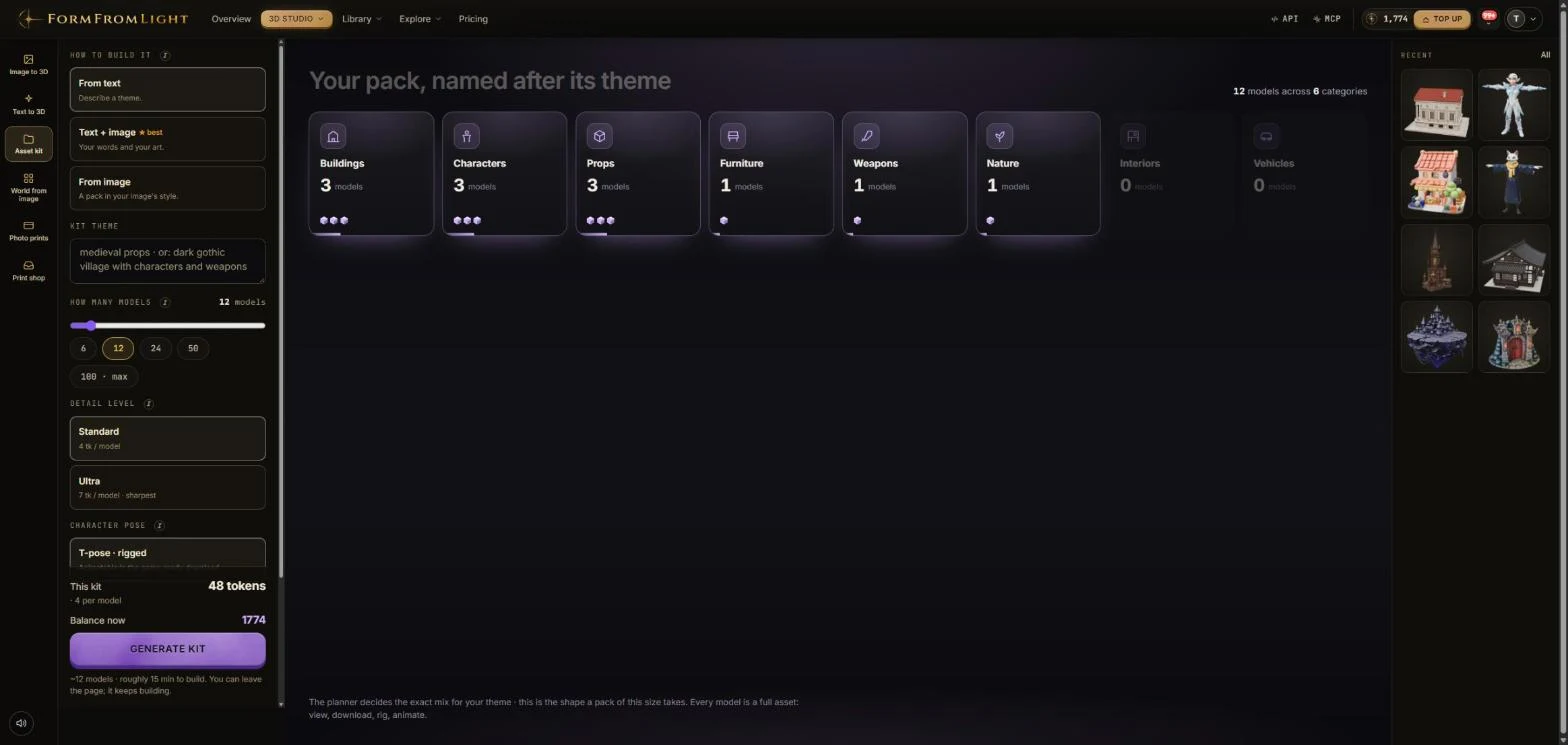
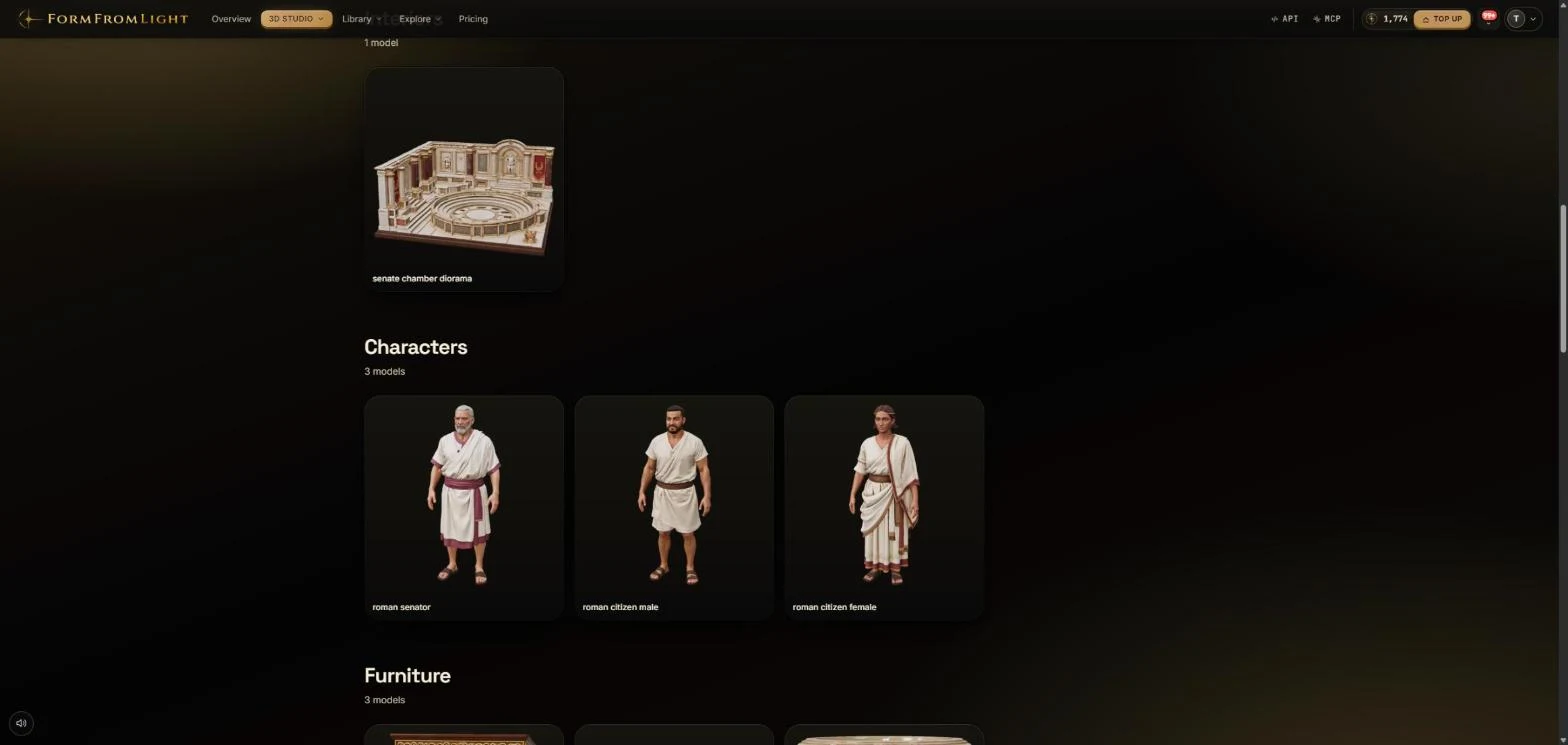
A kit is a whole themed pack from one brief. Type a theme ("medieval props", "dark gothic village with characters and weapons"), optionally add a reference image for the style, and choose 6, 12, 24, 50 or up to 100 models. A planner decides the mix across buildings, characters, props, furniture, weapons, nature, interiors and vehicles, then every model is generated as a full asset you can view, download, rig and animate. Standard detail costs 4 tokens a model, Ultra 7; characters come T-posed and rigged if you ask for it; a 12-model kit takes roughly 15 minutes and keeps building if you leave the page.
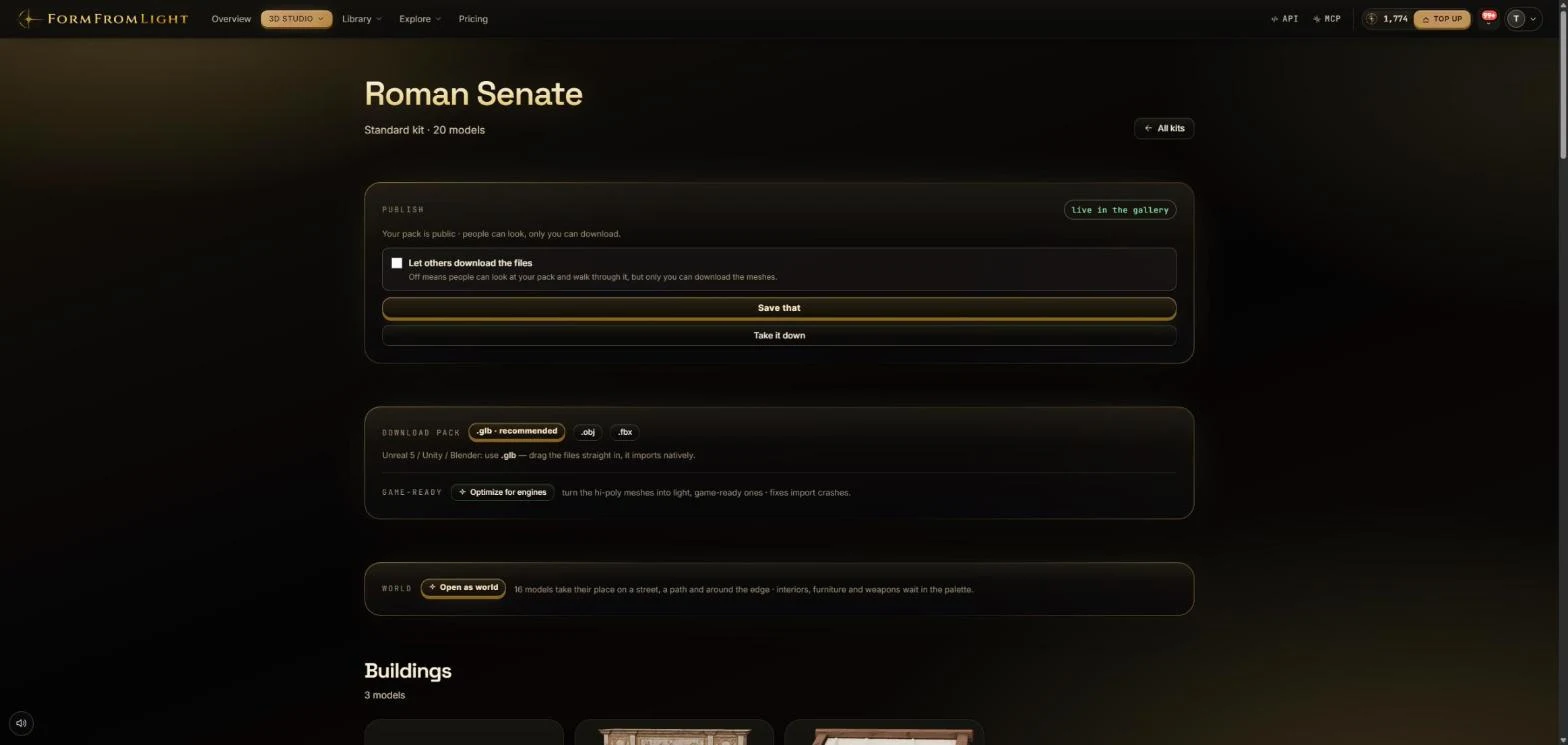
A finished kit downloads as one pack in GLB, OBJ or FBX, with an "optimize for engines" pass that turns the hi-poly meshes into light, game-ready ones. It can be published to the public gallery (people can look, only you can download, unless you allow it), and it can be opened as a world: the models take their place on a street, a path and around the edge, with interiors, furniture and weapons waiting in the palette.
Worlds from a photo
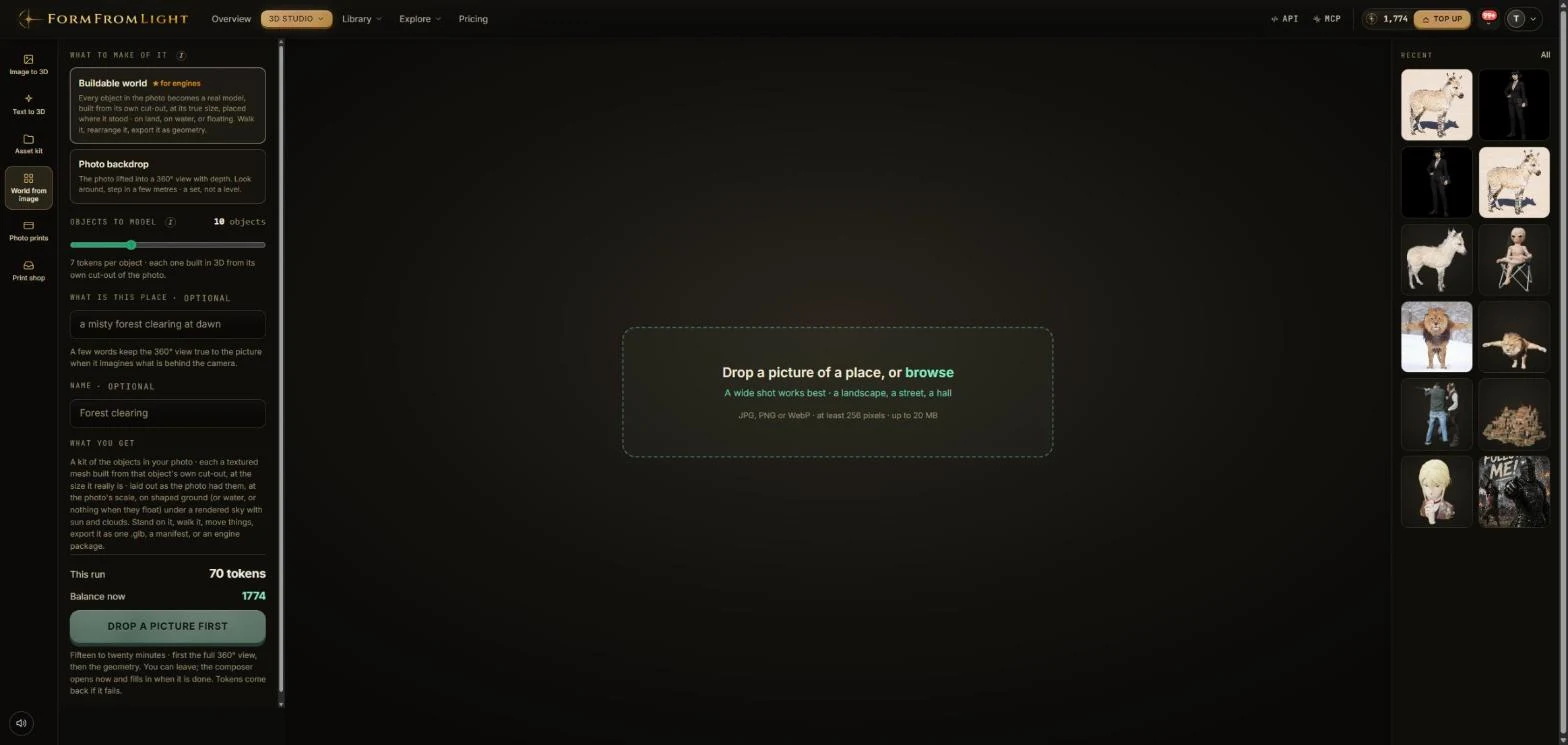
Give the studio one wide shot of a place, a landscape, a street, a hall, and it builds the place. In buildable mode every object in the photo becomes a real model, built from its own cut-out at its true size and placed where it stood, on land, on water or floating, so you can walk it, rearrange it and export it as geometry. Photo-backdrop mode lifts the photo into a 360-degree view with depth instead: a set to look around in rather than a level. A few words about the place keep the imagined part behind the camera true to the picture.
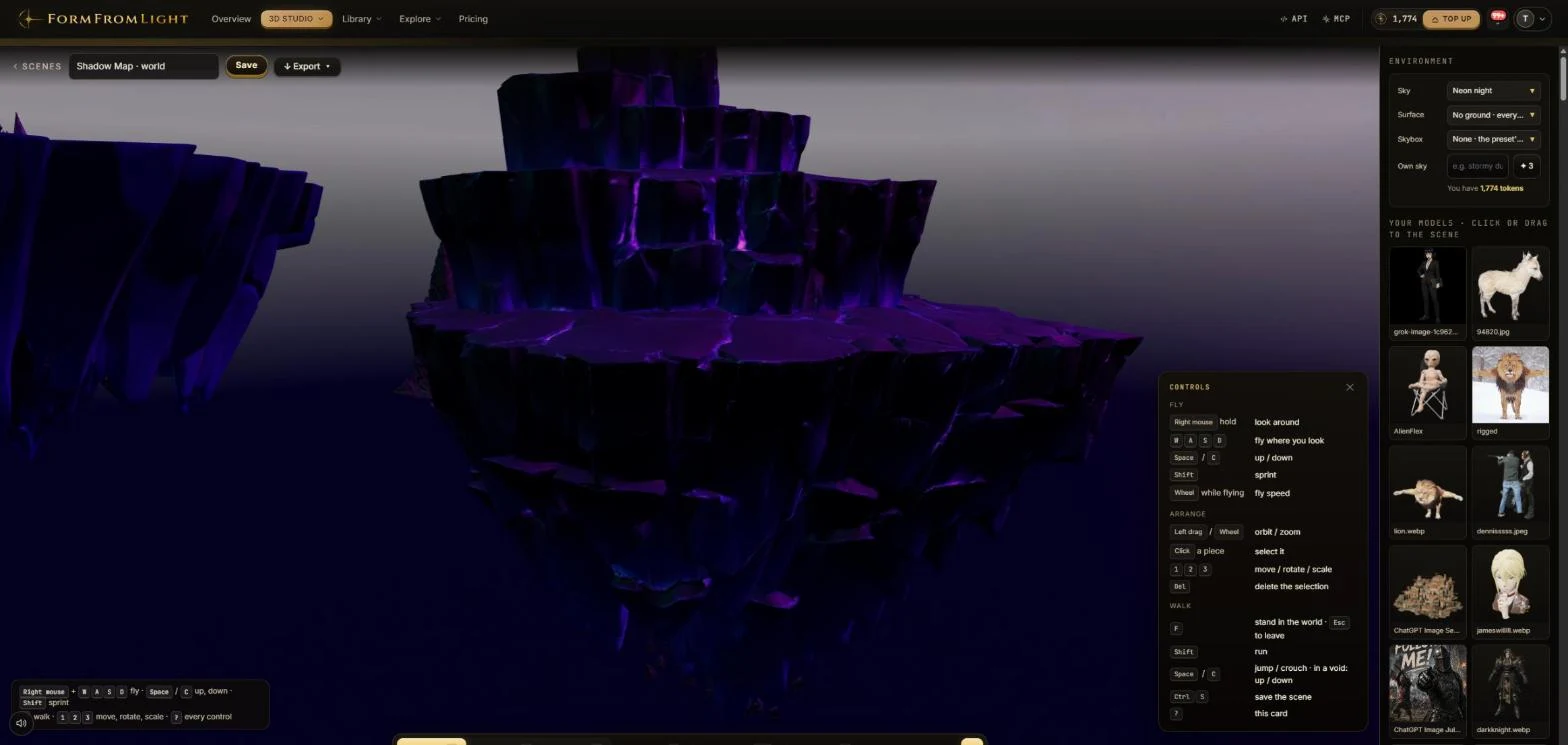
The world editor is where kits, photos and single models meet. Fly with the mouse and WASD, orbit and arrange pieces, then press F to stand in the world and walk it. The environment panel sets the sky (presets such as neon night or a clear day, or your own sky from a short prompt), the ground, terrain with relief and water, and the surface. Your library sits on the right: click or drag any model into the scene. A world exports as one GLB, a manifest, or an engine package.
Every model is a workspace
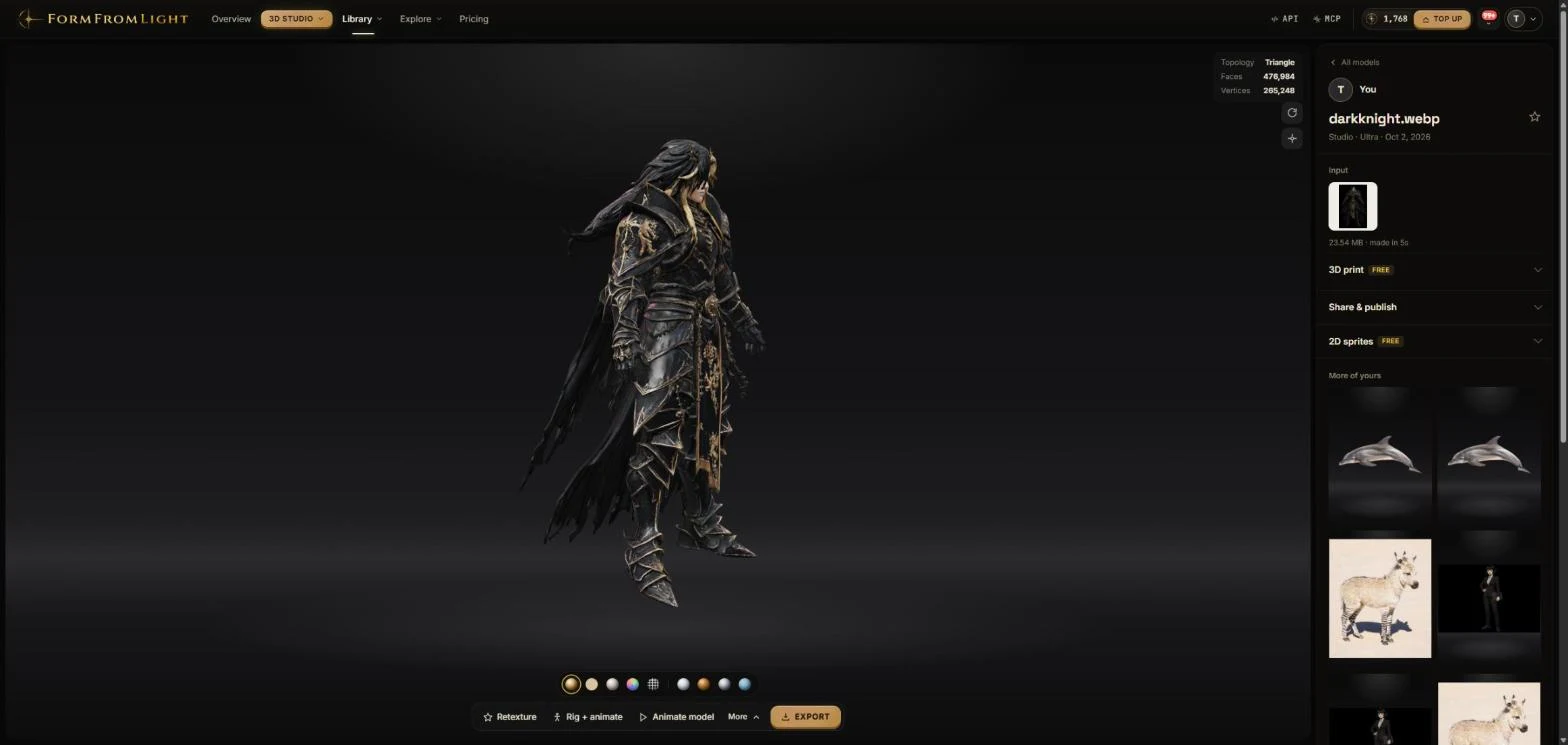
A model page is not a download link. The viewer shows topology, face and vertex counts and switches between material views; underneath sit Retexture, Animate and Export, and on the side 3D print, 2D sprites and Share & publish, the first two free. The page also says what it did not do: a model that is not humanoid gets "rigging skipped" instead of a broken skeleton.
- Auto-rig: 4 tokens, no weight painting or bone placement. Humanoids get a standard skeleton that Unreal, Blender and Godot recognise; animals and creatures get their own skeletons through a separate path; uploaded meshes work too.
- Motion library: 135 categorised, searchable animations with baked previews, 17 free, 3 tokens per animation applied. GLB export carries mesh, skeleton, weights and motion.
- Retexture: re-skin a finished model with five style presets, 4 tokens. Quad remesh: 3 tokens. Multi-view: up to three reference images of one object.
- 2D sprites and 3D print: free. Sprite sheets for 2D engines, and print files from the same mesh.
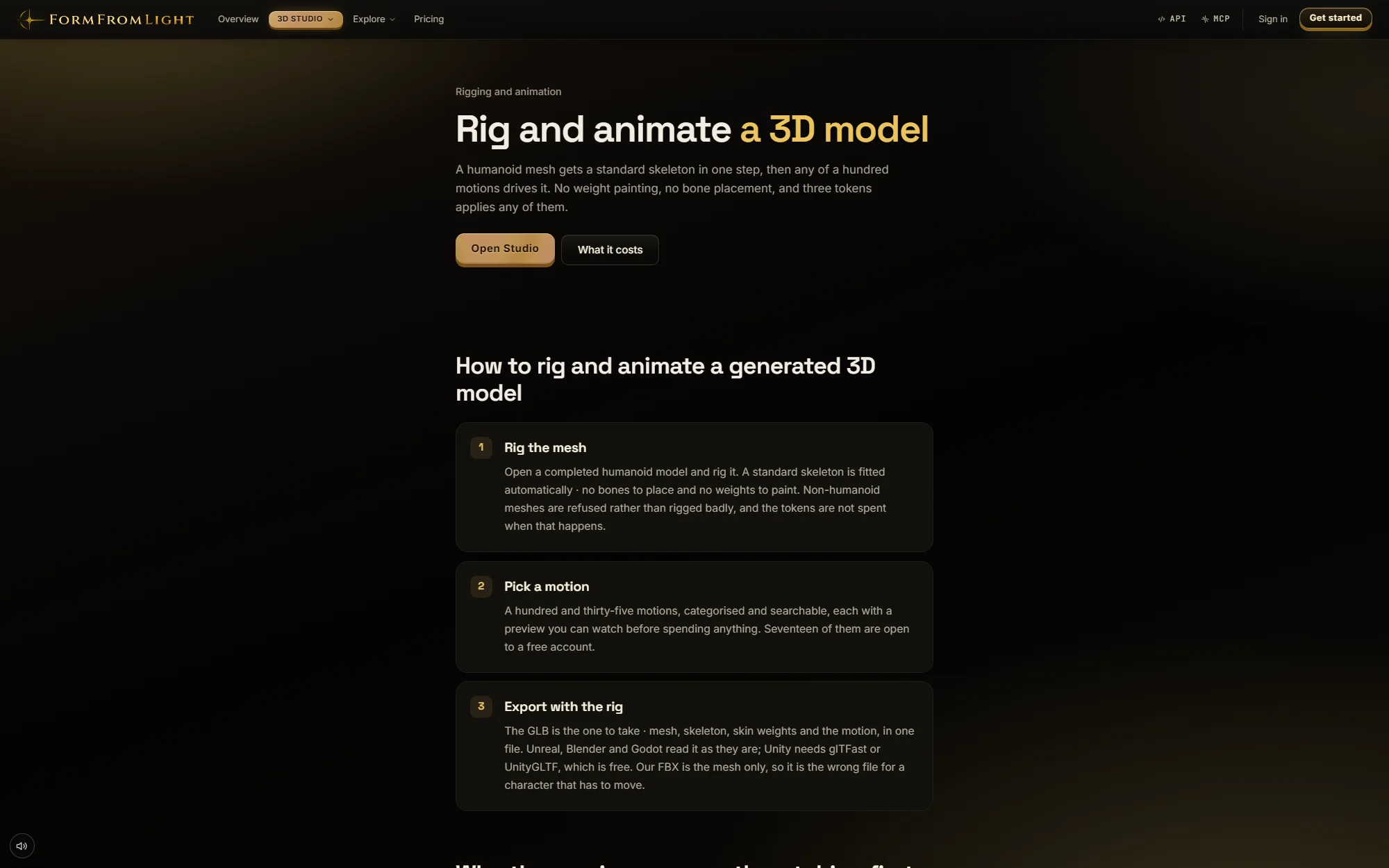
Photo prints and the print shop
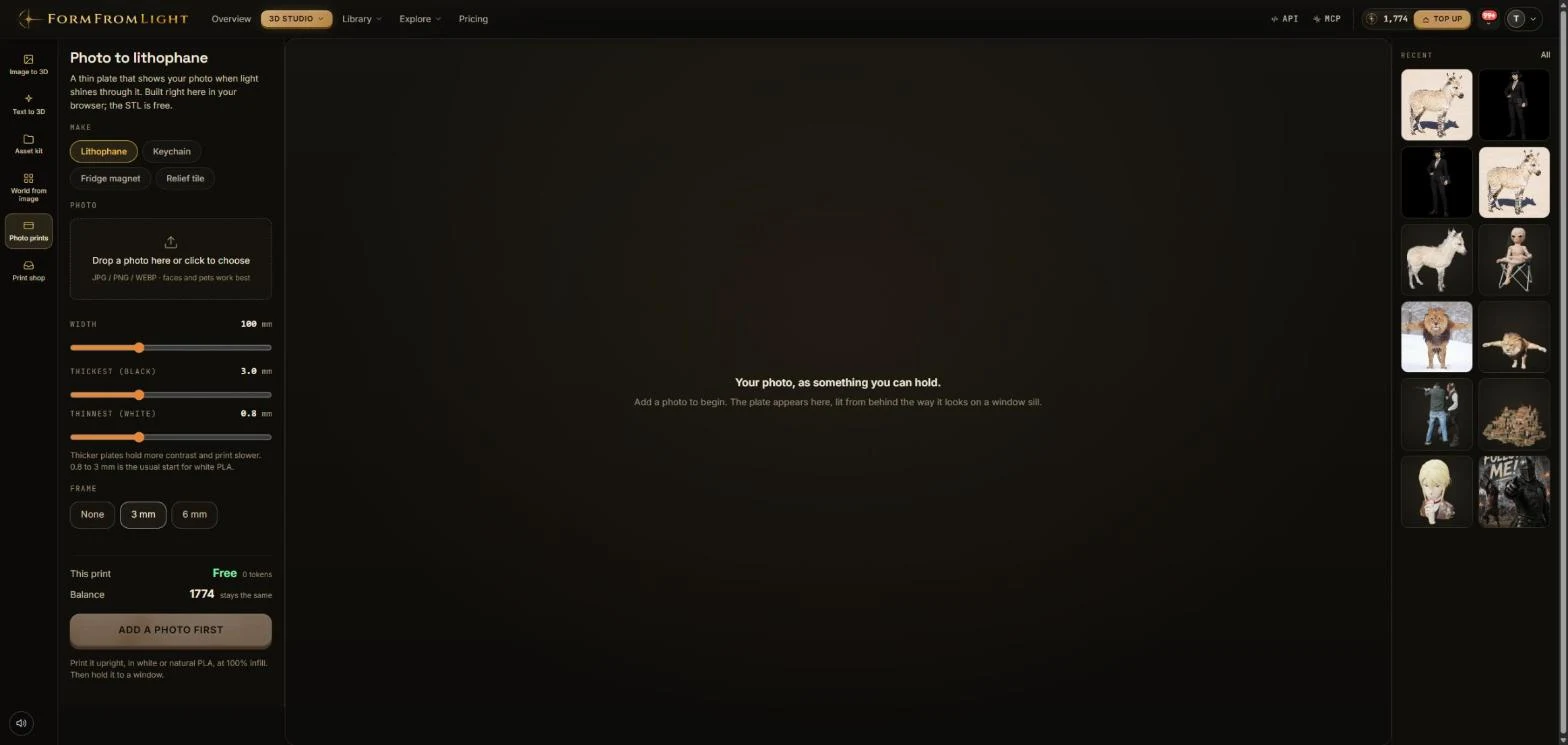
Two tools serve people with a printer rather than a game engine. Photo prints turns a photo into a lithophane, a thin plate that shows the image when light shines through it, or into a keychain, fridge magnet or relief tile. It is built in the browser, the STL is free, and width, thickness and frame are set in millimetres with the plate previewed lit from behind, the way it looks on a window sill.
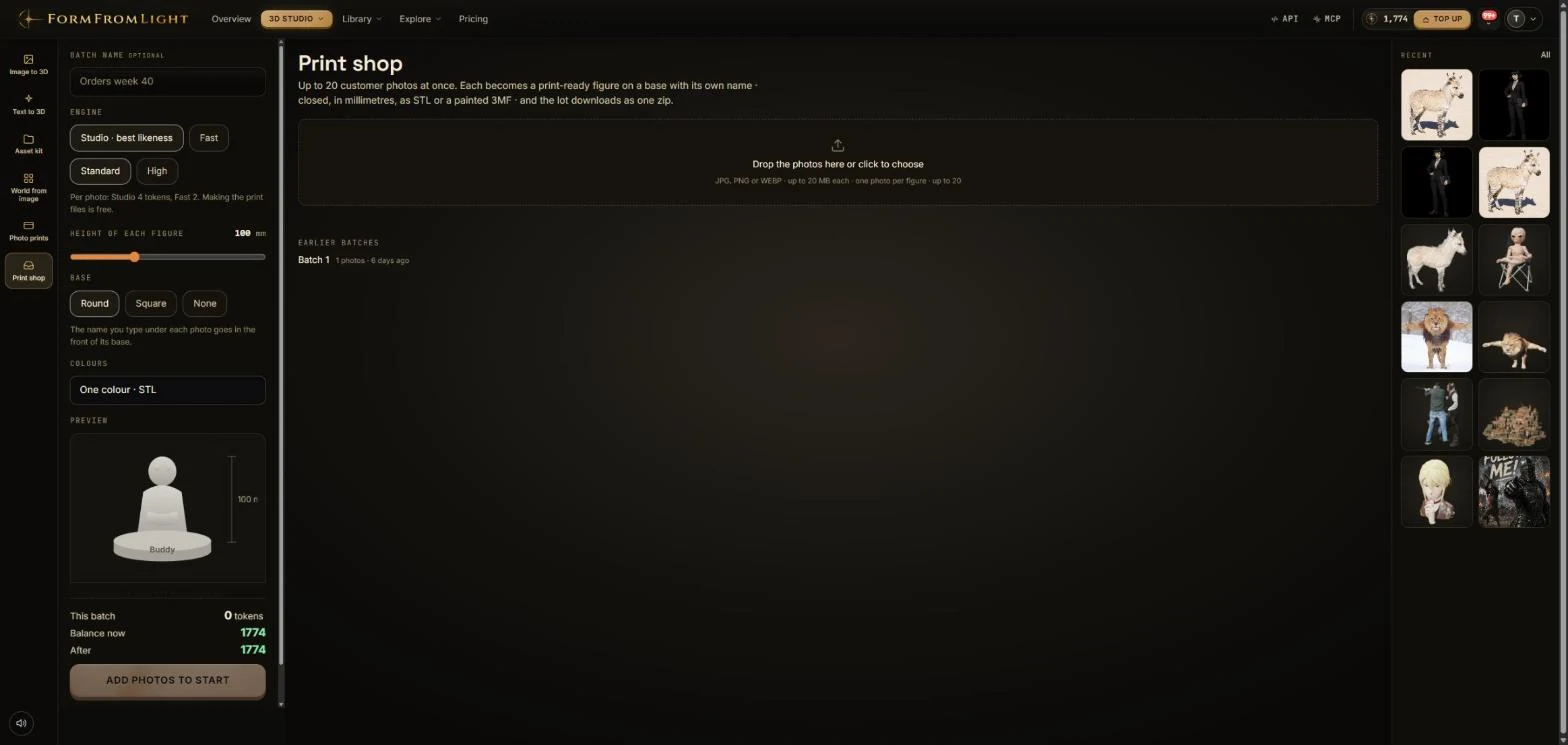
The print shop is for volume: up to 20 customer photos at once, each turned into a print-ready figure on a round or square base with its own name, closed and sized in millimetres, as an STL or a painted 3MF, and the whole batch downloads as one zip. Studio costs 4 tokens a photo for the best likeness, Fast 2; making the print files is free.
Pricing
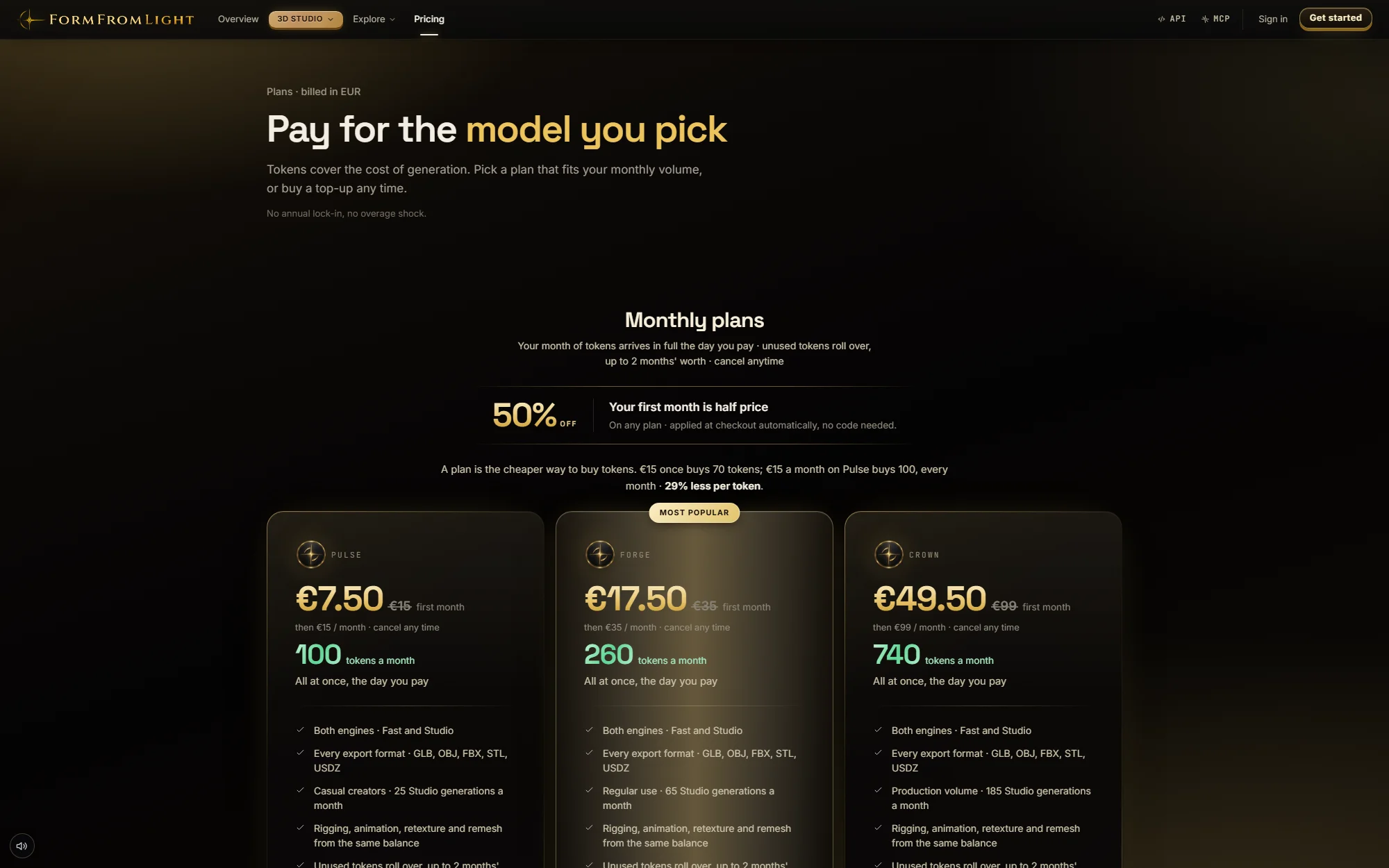
Everything is priced in tokens. A free account starts with 8 tokens. Plans renew monthly, unused tokens roll over for up to two months, and tokens from one-time packs never expire. Every plan includes both engines, every export format, the REST API and the MCP server.
| Plan | Price | Tokens a month |
|---|---|---|
| Pulse | €15 a month | 100 |
| Forge | €35 a month | 260 |
| Crown | €99 a month | 740 |
| Packs | €2 to €100, one time | 8 to 560 tokens |
| Action | Tokens |
|---|---|
| Image to 3D, Fast | 2 |
| Image or text to 3D, Studio | 4, 6 or 8 by quality |
| Kit model | 4, or 7 at Ultra |
| World object | 7 |
| Auto-rig, retexture | 4 |
| Animation, quad remesh, sky | 3 |
| Upload, sprites, 3D print files, lithophane | Free |
Under the hood
The application and its database run in the Netherlands and files sit in Western European object storage. Generation itself runs on an external GPU provider under standard contractual clauses. Uploaded images and resulting meshes are never used to train models, there are no watermarks, and commercial use is included on every tier. The engines are credited in the open: Tripo for the Studio tier and humanoid rigging, Microsoft TRELLIS for Fast, Meshy for retexture and remesh, Mesh2Motion and Anything World for animal and creature skeletons, three.js for the viewer.
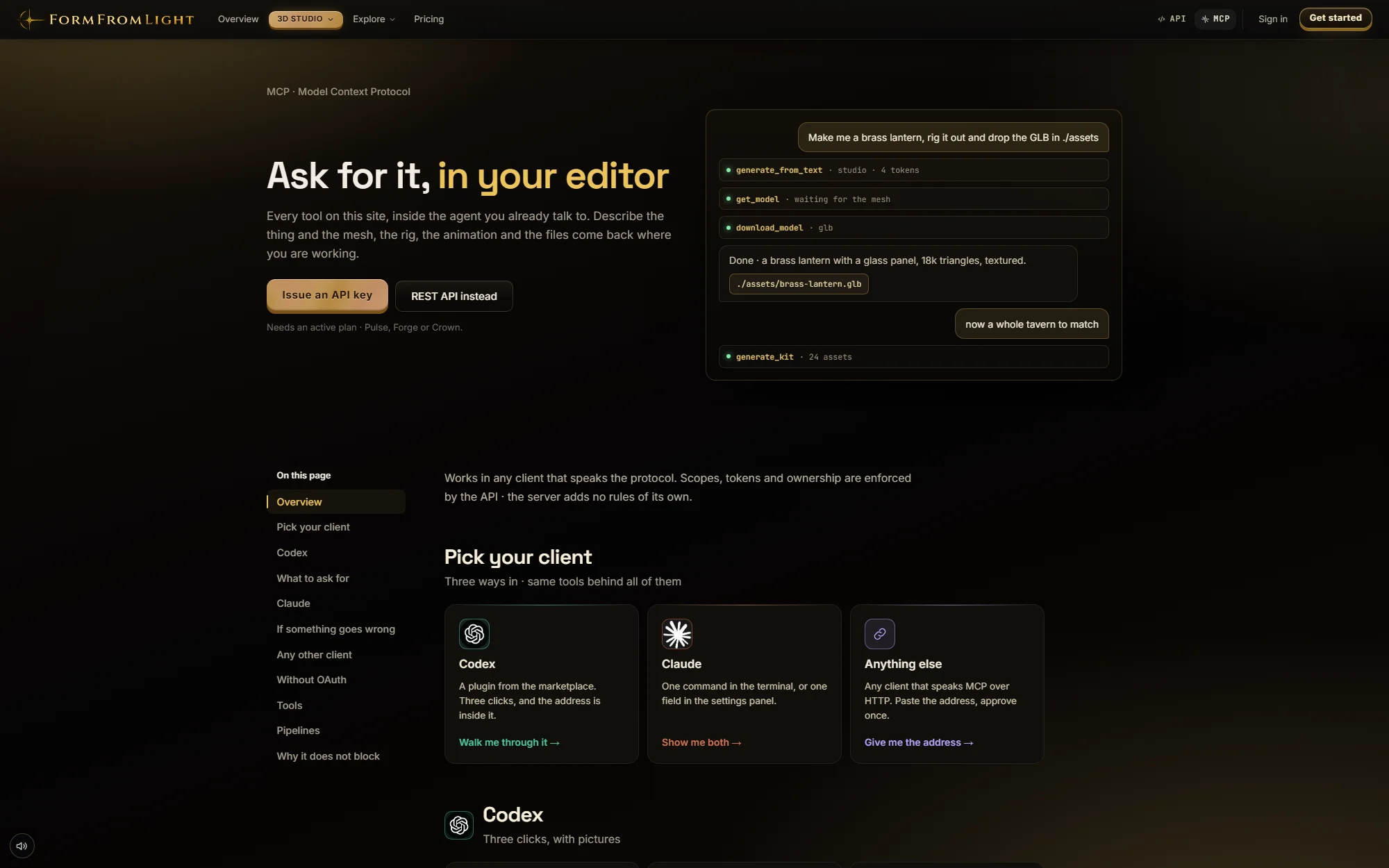
For developers there is a REST API (Bearer keys, 120 requests a minute, scoped permissions) and an MCP server at formfromlight.com/mcp with 22 tools, so Claude, Codex or any MCP client can generate models, build kits and worlds, rig, animate and retexture from a conversation. That is how the 3D wonders, armies and ships on ChronoAtlas, and the senators in its Curia, were made.